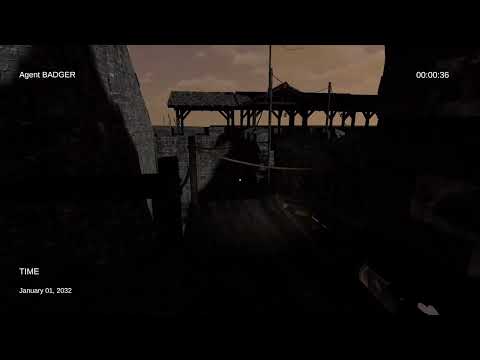
(Extraction Shooter Loop Test)
Category: Systems Architecture & UI
Context: Designed as a more focused, lower-scope iteration of ideas originating in Project Longbow, Found Footage FPS strands players in a highly adversarial, dark fantasy world. Inspired by Stargate, the primary objective is to endure hostile environments until an extraction window opens.
In sharp contrast to the diegetic, tablet-based UI of Project Longbow (which never paused the game), Found Footage FPS employs a stylized, non-diegetic “camera feed” UI paired with robust multiplayer-aware network states.
To see the adversarial extraction loop and the specific Found Footage UI rendering in action, watch the initial prototype tests:
(Extraction Shooter Loop Test)
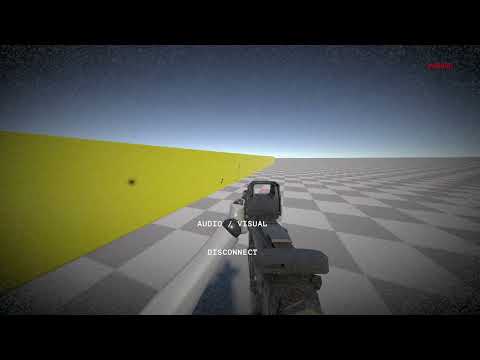
(Specific Found Footage UI & Non-Diegetic GUI Test)
The entire session lifecycle is governed by a strict finite state machine. The diagram below shows the full flow from lobby through extraction, including the AWOL penalty branch and the asymmetric co-op architecture.
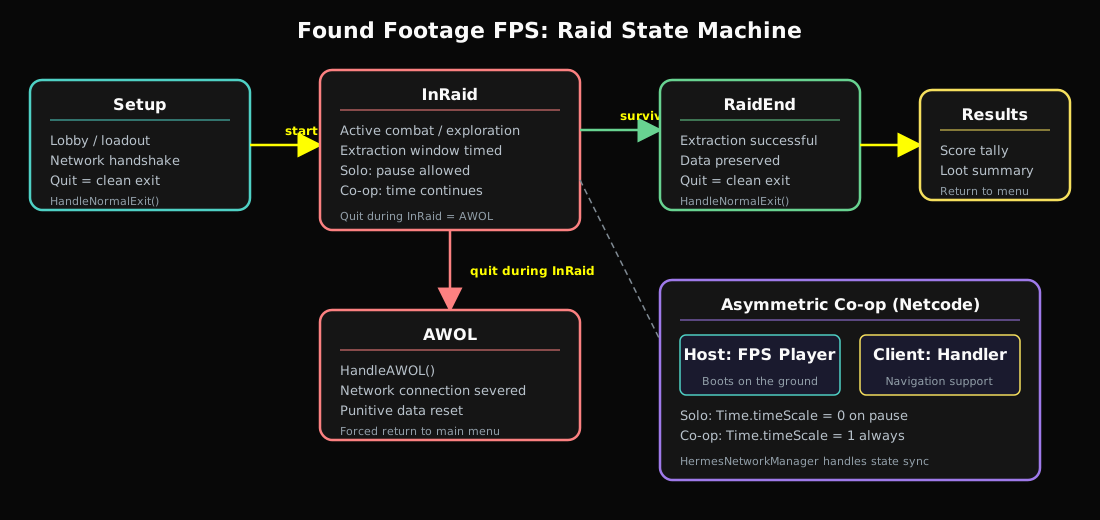
The core of the multiplayer experience is an asymmetric split between the Host (FPS Player) and the Client (Handler).
The host is physically present in the game world, viewing the simulation through a bodycam-style filter. They are responsible for the physical navigation and combat within the dark, hostile environment.
The client acts as a “Handler” or “Companion,” viewing the raid through a dedicated CompanionView terminal. This view is not a standard camera; it is a high-level operations deck that provides situational awareness the host lacks.
CompanionView scene as an additive layer upon the client’s arrival.ObserverMap, and sensor readouts—is relayed from the host to the client terminal.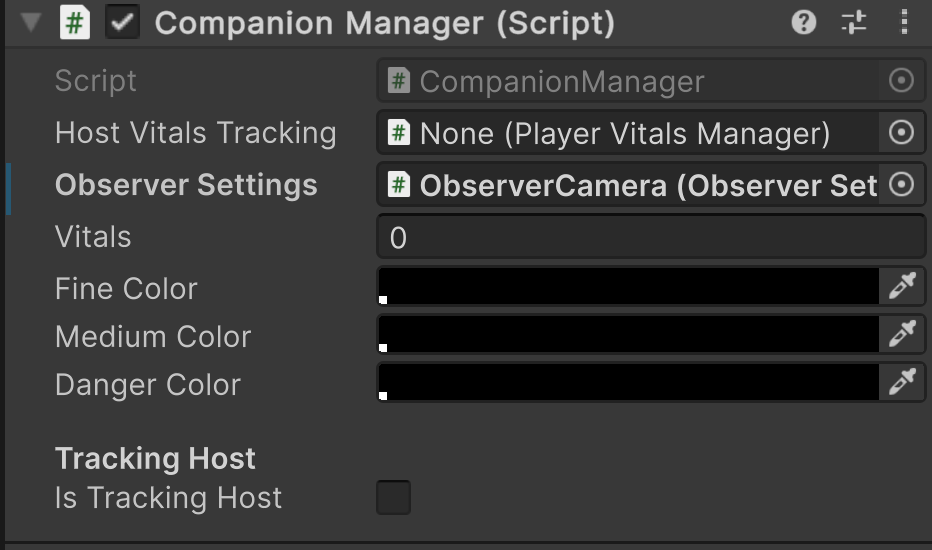 Initial mockup of the Handler’s operations terminal.
To interact with the host, the Handler uses a Command Terminal. This system was designed to allow the client to influence the host’s world through text-based “Command Plugins.”
PING HOST, THROTTLE FEED) map to specific methods.PING HOST command triggers an update on the host’s HUD, highlighting critical targets or items identified by the Handler’s superior sensor suite.The Handler architecture relies on several interlocking scripts:
CompanionManager: Orchestrates the data flow between the network manager and the Handler UI.CompanionPlugins: Modular logic containers for different terminal commands.ObserverMap: A specialized map component attached to the Player Prefab that translates world-space entity positions into terminal-space coordinates.The UIMainController intelligently handles time manipulation based on the connection state:
ConnectedClientsIds.Count <= 1, pulling up the menu physically pauses the world (Time.timeScale = 0). The lone player is safe to review extraction information.Time.timeScale = 1). The Handler must actively guide and cover the Host while the Host checks objectives. This creates a trust dynamic: the Host is vulnerable every time they open the menu, and the Handler’s competence directly determines whether that vulnerability is punished.The global GameManager operates the state machine transitioning through Setup, InRaid, RaidEnd, and Results. Extraction is not guaranteed — it must be survived.
If a player attempts to quit via the UI during an active raid, the controller intercepts the action through OnQuitButtonPressed():
HandleAWOL()). The network connection is severed, and the GameManager forces a punitive data reset before kicking the player back to the main menu.HandleNormalExit(). No penalty.Extraction follows a high-stakes holdout pattern:
LevelManager enables the zone after objectives are met.RaidEnd, data and loot are preserved.| Extraction Type | Cost | Condition |
|---|---|---|
| Free Extract | None | Default extraction zone. |
| Paid Extract | In-game currency | Faster or safer extraction point. |
| Object Extract | Consumable item | Requires a specific object (e.g., flare, beacon). |